Website heatmaps: where people click and how far they scroll
A website heatmap draws what visitors did on one page on top of that page: where they clicked or tapped, how far down they scrolled, and which taps did nothing. In Convertlyft, every visit is recorded on every plan, and each heatmap is drawn from those real visits, phones and desktops both counted.
Start free. No card needed. Plans and limits are on the pricing page.
Check your site free first: an SEO audit of up to 16 pages, no account.
What a page heatmap shows
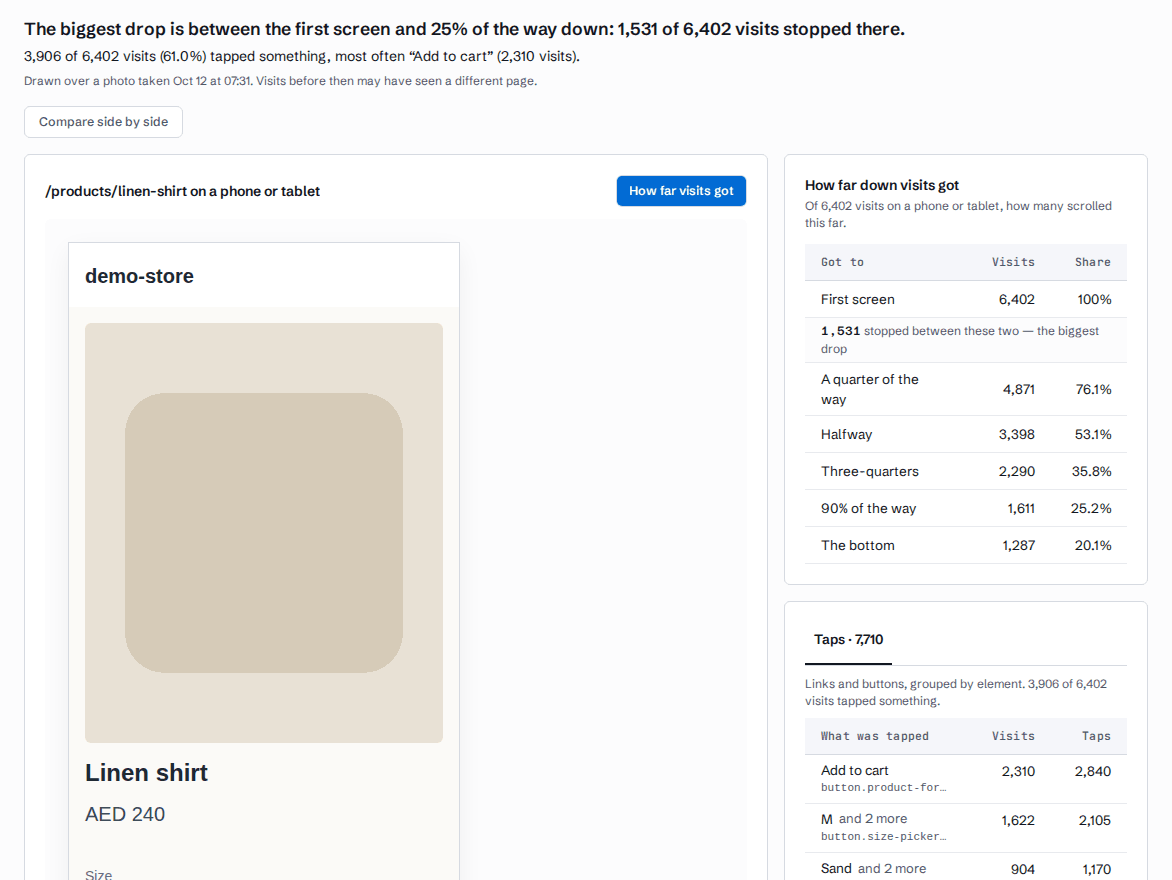
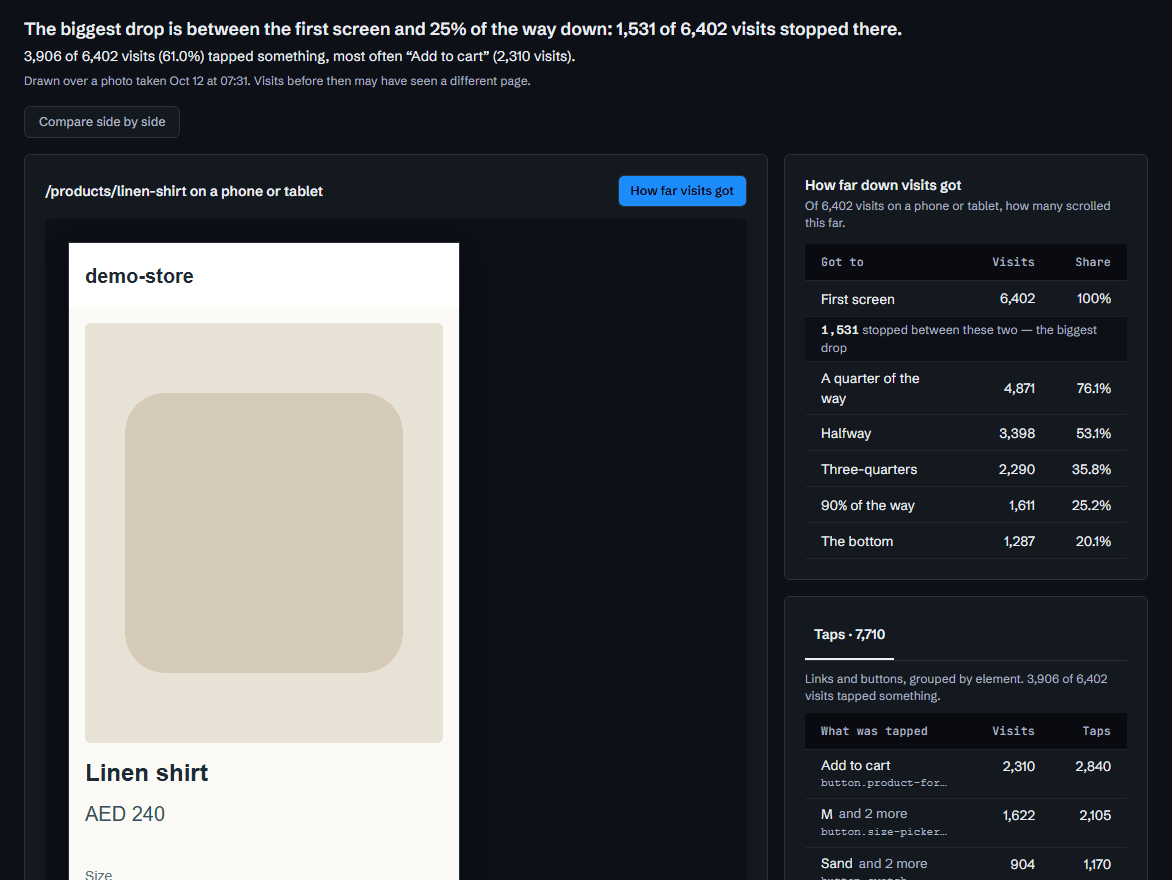
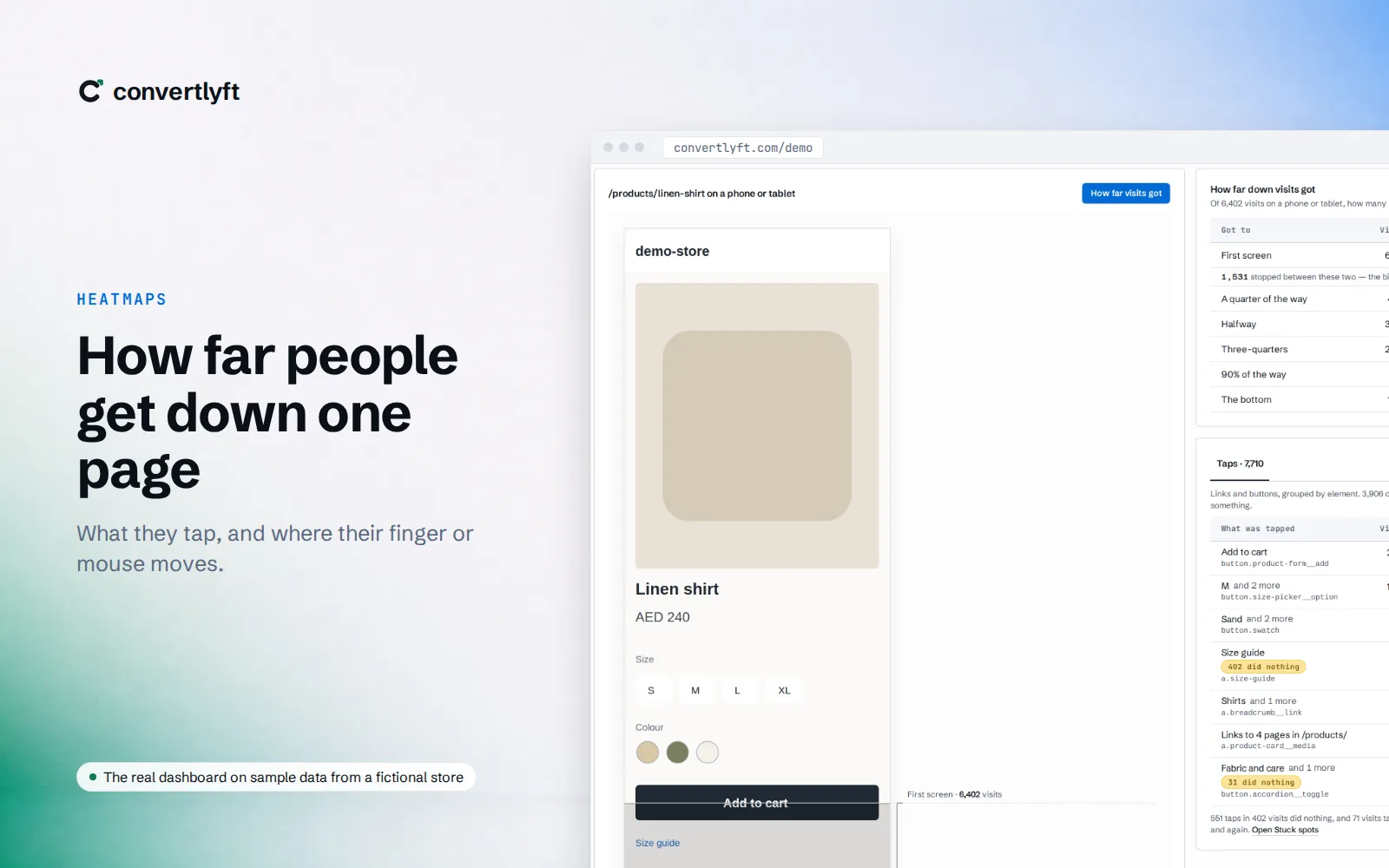
Heatmaps draw each click and tap on the page people saw. The busiest spots stand out, and so do the parts of the page nobody reaches.
What you see for one page
- Click map. Every click and tap, drawn on the page.
- Scroll map. How far down the page visits got, from the first screen to the bottom, so you know what most people never see.
- What was tapped. Links and buttons grouped by element, counted in visits. An amber chip marks the taps that did nothing.
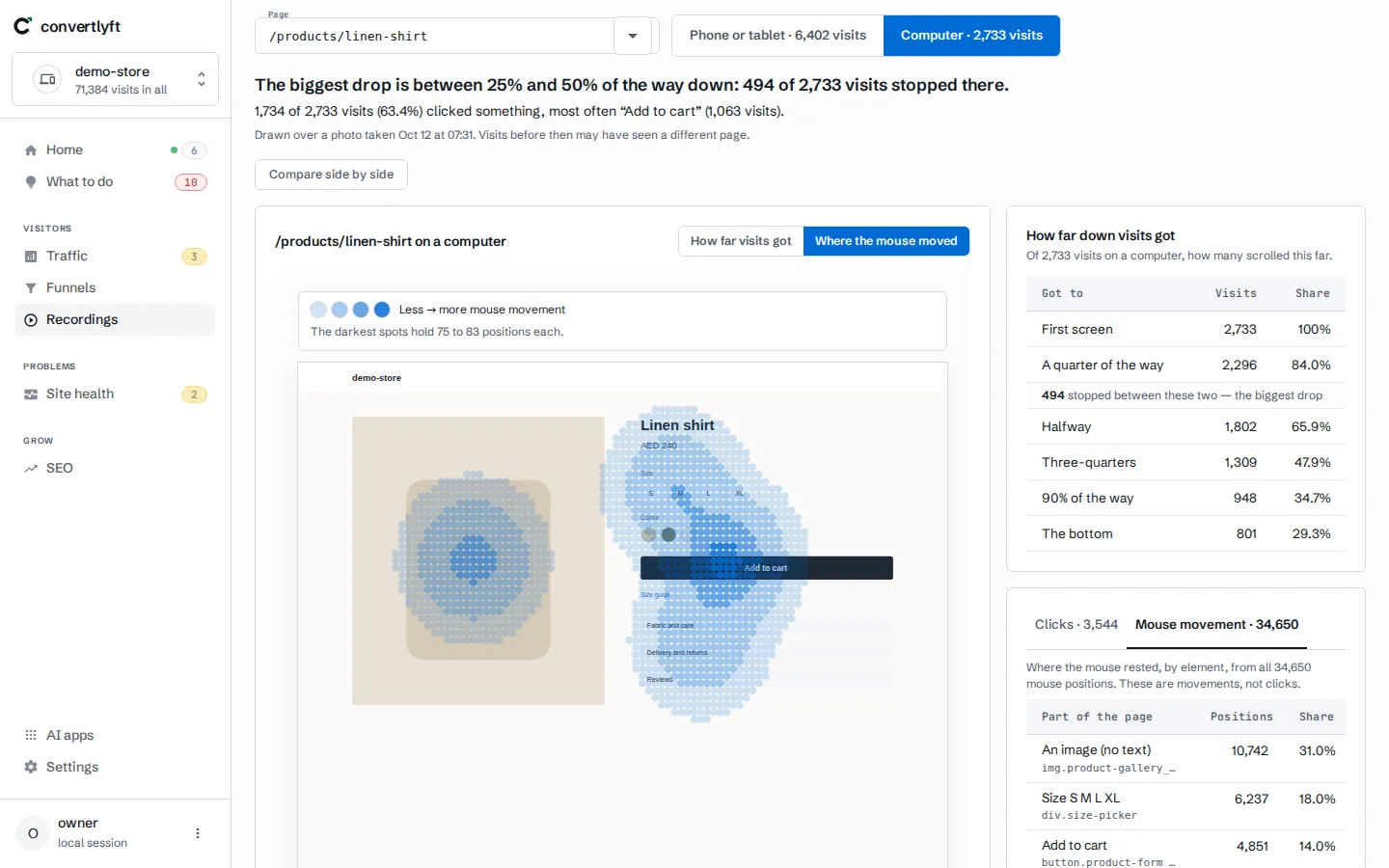
- Movement. Where the mouse went, a desktop view.
- Side by side. Two click maps next to each other, each with its own device, dates and visitors.
From a hot spot to the reason
A heatmap tells you where people click and stop. The visit recordings tell you why: watch the visits on that page and see what happened before and after the tap.
Where heatmaps come from
Every visit is recorded, on every plan, and recordings are kept 90 days. Heatmaps are drawn from those visits. Where there is no picture of a page yet, “Photograph this page” asks our crawler to take one.
Typed values never leave the visitor’s browser. Email addresses, phone numbers and payment card numbers in the page text are masked. Page words and prices stay readable.
Where you open a heatmap
Heatmaps have a place of their own in the dashboard, with the busiest pages first. You can also open one from a funnel step that lost people, or by searching for a page. See funnel analysis for the step that loses the most people.
Your AI tools can read heatmaps too
Convertlyft is an MCP server at https://mcp.convertlyft.com/mcp. A connected AI app can read a page’s heatmap: the most-clicked elements, how far people scrolled, and the rage and dead clicks. Connect your AI →
What it costs
Convertlyft is free up to 5,000 visits a month, with recordings, heatmaps, funnels and errors on every plan. The full table of plans is on the pricing page. See a heatmap on demo data →
Questions
What is a website heatmap?
A website heatmap draws what visitors did on one page on top of that page: where they clicked or tapped, and how far down they scrolled. The busiest spots stand out, so you see at a glance what people use and what they never reach.
What maps does Convertlyft draw?
A click map, a scroll map, a list of what was tapped with the taps that did nothing marked, and movement on desktop. You can compare two click maps side by side.
Where do the heatmaps come from?
From the visits Convertlyft records: every visit, on every plan. Where there is no picture of a page yet, our crawler can take one.
Is what visitors type recorded?
No. Typed values never leave the visitor’s browser. Email addresses, phone numbers and payment card numbers shown on the page are masked too.
How much does Convertlyft cost?
Free up to 5,000 visits a month, with every feature. The plans above that are on the pricing page.
Start free
Every visit recorded from one line of code, and a heatmap for every page.
Start free. No card needed.