Google Analytics alternative: see why people leave, not only how many
Keep GA4 for your ads. Convertlyft adds why people leave, what broke, and your Google searches beside your visits. Google's features list for Analytics does not include recordings (session replays) or heatmaps.[4]
Start free. No card needed. Plans and limits are on the pricing page.
Google Analytics and Convertlyft, side by side
| Compared on | Convertlyft | Google Analytics |
|---|---|---|
| Cost | Free to startStart free. No card needed. Plans are on the pricing page | FreeGoogle says it gives the tools "free of charge"[3] |
| Sampling | None: every visit countedReports count every visit, none skipped | Past a quotaSampling may occur when a report or exploration needs more than 10 million recorded actions (Google calls them events) in a standard property[2] |
| How long detail is kept | 24 monthsWhat visitors did is kept 24 months and replays 90 days, on every plan | 2 or 14 monthsGoogle's data retention setting in a standard property; it governs explorations and funnel reports, not the standard aggregated reports[1] |
| Funnels | FunnelsUp to 6 steps, counted in order. The step that lost the most people is marked, and each step links to the recorded visits that reached it | Funnel explorationOpen and closed funnels in Explorations[4] |
| Replays and heatmaps | IncludedReplays of every visit (a site can turn it down to the visits that matter), and maps for all, rage, dead, error and first clicks, plus a scroll map | Not listedNeither appears on Google's Analytics features list[4] |
| Ads and exports | NarrowerVisits before a result (attribution), by source and campaign, funnel CSV export, and a REST API and MCP server for your own tools | DeepGoogle Ads, Display & Video 360 and Search Ads 360 reporting, and export to BigQuery[4] |
| Start free |
Google Analytics facts as of 22 October 2026, from Google's own help and product pages; each number in brackets links to the source below.
More on visit recordings and funnel analysis, and a side-by-side with Microsoft’s free recording tool. What GA4 itself records about clicks and scrolls: does Google Analytics have a heatmap? Looking only at no-cost options? See free website analytics tools compared. Comparing product analytics tools instead? See our Mixpanel alternative and PostHog alternative pages. Comparing visit recordings instead? See our Mouseflow alternative page.
What Convertlyft does differently
It says what to change
Each day is compared with its own trailing week: what leaked, what lifted, new errors and slow pages. When nothing needs fixing, What to do says so: “Nothing needs your attention this week.” The Monday report arrives at 07:30 in your site’s time zone.
Speed from real visits
Core Web Vitals per page, measured on real visits rather than lab tests, for the typical visitor, with the slowest pages listed.
SEO and analytics in one
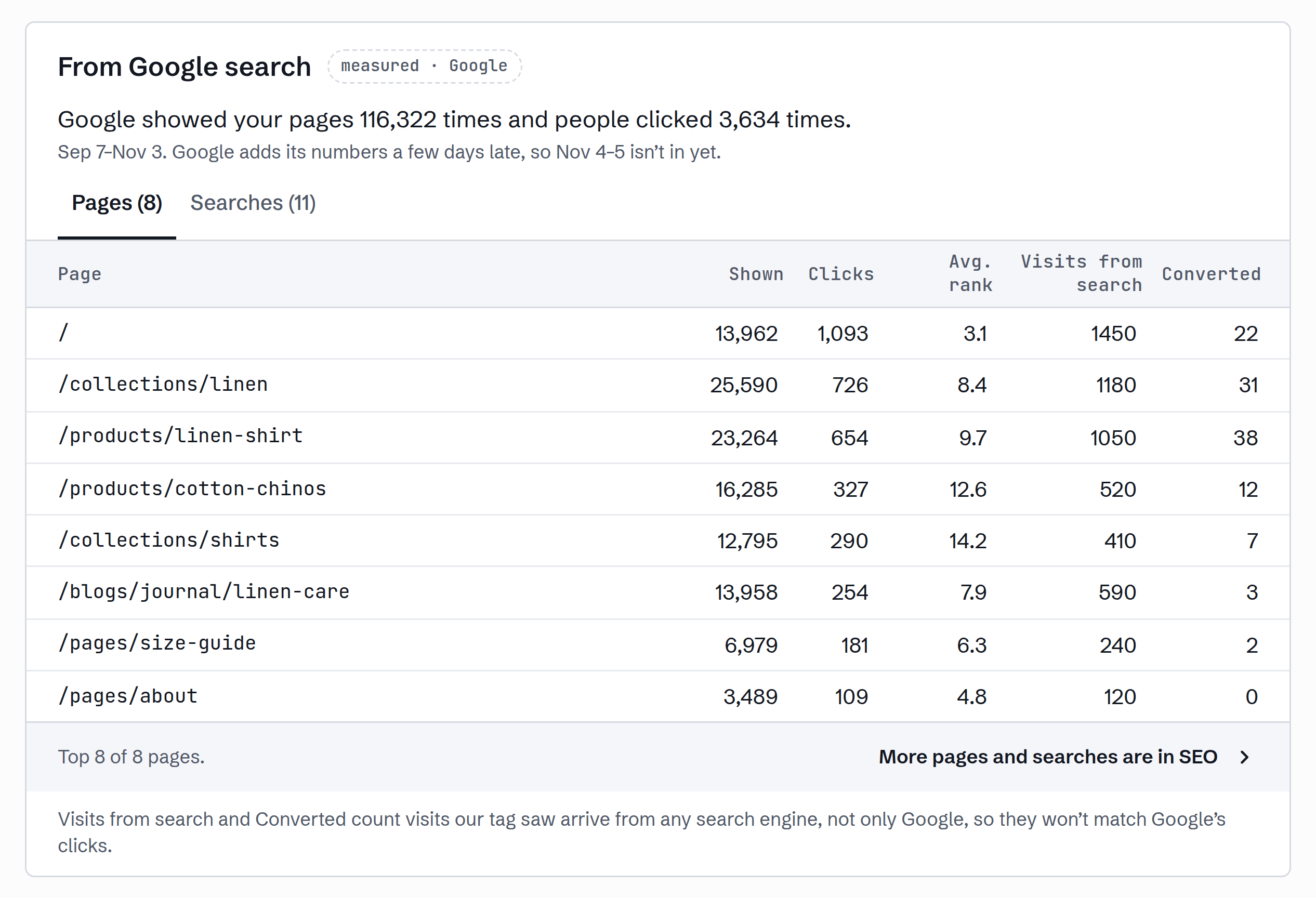
Rankings, a site audit by our own crawler, and your Search Console searches beside your visits. Why search clicks and site visits don’t match exactly. The free SEO audit reads up to 25 of your pages with no account (all three free checks).
Readable by your AI tools
An MCP server at mcp.convertlyft.com/mcp, for Claude, ChatGPT, Cursor or VS Code. Reads are allowed by default; writes stay off unless you tick them. Every figure the API hands out carries an ID you can re-open later. See Developers.
example-shop.com
- From Google610 visits · 22 orders
- Search‘linen shirts’ · position 8 · 140 visits
- Fix/checkout shows an error to 1 in 20 visits
Run both
Keep GA4 for your Google Ads reports and add Convertlyft for the why: its line runs beside the GA4 tag and does not change it.
Live the moment the snippet loads
Paste one line and open Live: the people on your site now, refreshed every 10 seconds.
Free up to 5,000 visits a month
Start free. No card needed. The plans are on the pricing page.
When Google Analytics is the better choice
Keep Google Analytics if you buy Google ads: it reports on Google Ads, Display & Video 360 and Search Ads 360 campaigns and compares attribution models across them.[4] Convertlyft has no Google Ads connection. Reading GA4’s own reports? Our plain-word pages explain direct traffic, Unassigned, (not set) and Cross-network.
It is also the better choice if you measure apps as well as sites, or want raw data in BigQuery for your own analysis.[3][4] Convertlyft reads one website per workspace.
You do not have to choose. Convertlyft answers a different question, where people get stuck and what to change, and its line runs beside the GA4 tag. For how the kinds of tool differ, see web analytics platforms compared.
Install in one line
- Start free and give your site's address. We look at its homepage to see what it is built with, such as Shopify, WordPress, Wix, Squarespace, Webflow, Framer, Next.js or a tag manager, and show the steps for it. On WordPress you can install the Convertlyft plugin from WordPress.org instead: it adds the tag, and its one setting is your site key.
- Paste one line before
</head>, or add it through the tag manager that already loads your GA4 tag. Leave GA4 as it is. - On Home, press “on site now”: the people on your site now, refreshed every 10 seconds. That is the check that the line works.
- Your main funnel is set up for you from your site’s type. To count different steps, add your own funnel, up to 6 steps. Your first day is read the next morning and kept under Settings › Email updates; the Monday report follows on Monday.
<script src="https://…/tracker.js"
  … your key, already filled in … defer></script>
Your own key is filled in after sign-up. Prefer not to touch code? Paste a paragraph into the AI tool that built your site, or send it to your developer.
Questions
Check your site free first: an SEO audit of up to 25 pages, no account.
Can I run Convertlyft and Google Analytics at the same time?
Yes. Convertlyft's line runs beside the GA4 tag and does not change it, so you keep your Google Analytics reports while you read Convertlyft's.
Does Convertlyft sample data?
No. Reports and funnels count every visit. Visits are recorded on every plan, short ones too, up to a safety limit of 50,000 new recordings per site per day. Some visits arrive without one; the Recordings room shows how many of your last 1,000 have one. Recording pauses once you pass twice your plan’s visits and starts again on the 1st. A site can turn it down in Settings (Record every visit), and then only the visits that matter are recorded: an error, a rage or dead click, a form left, or a key page such as checkout or contact.
When does Google Analytics sample?
Google's help page says sampling may occur when a report or exploration needs more than the property's quota, 10 million recorded actions (Google calls them events) for a standard property.[2]
How long does Convertlyft keep data?
What visitors did is kept 24 months and replays 90 days, on every plan.
What does Convertlyft cost?
Start free. No card needed. The plans and what each one includes are on the pricing page.
Sources
- Google Analytics Help, "Data retention", support.google.com/analytics/answer/7667196, as of 22 October 2026.
- Google Analytics Help, "About data sampling", support.google.com/analytics/answer/13331292, as of 22 October 2026.
- Google Marketing Platform, Analytics overview, marketingplatform.google.com/about/analytics/, as of 22 October 2026.
- Google Marketing Platform, Analytics features list, marketingplatform.google.com/about/analytics/features/, as of 22 October 2026.
Start on Pro, free for 14 days
Your new account gets 10,000 visits a month, no card needed. After 14 days it moves to Free, up to 5,000 visits a month with every feature, unless you choose Pro.